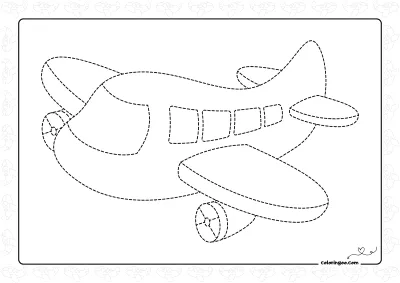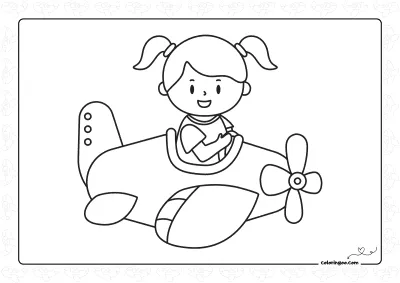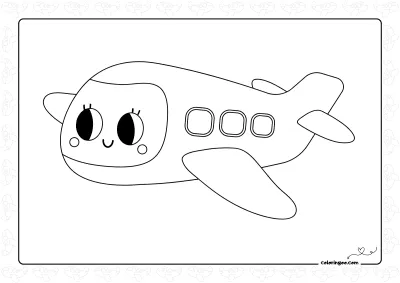
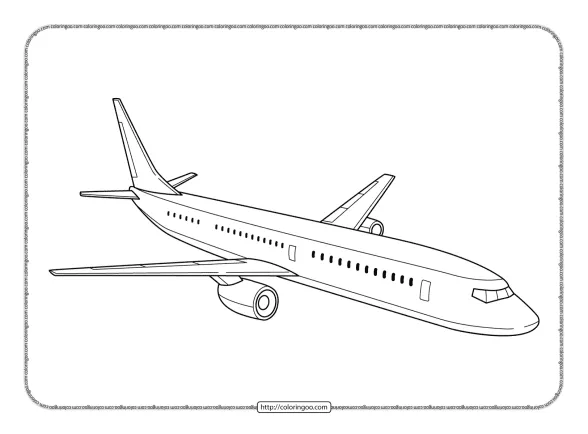
This hand-drawn airplane outline coloring sheet features bold contours and clean line art, ideal for all ages, kids and adults. Coloring the swept wings and tiny windows exercises fine motor control. Download and print this aviation illustration easily on standard US Letter or A4 paper for classroom or home practice.
Hand Drawn Airplane Outline Coloring Sheet
A sleek twin-engine commercial airliner glides into view, showcasing clean aerodynamic curves from its tapered cockpit windows down to the tall vertical stabilizer. Crisp black outlines trace the swept wings, dual turbofan jet engines, and a tidy row of passenger cabin windows across the fuselage. The open composition leaves generous room around the aircraft, inviting artists to sketch fluffy cumulus clouds or keep the focus entirely on custom aircraft livery.
Filling in the extended fuselage demands broad, steady pencil strokes that refine spatial awareness. In contrast, shading the compact passenger portals and narrow cockpit panels exercises fine finger dexterity and patient hand-eye coordination. Both kids and adults can explore custom airline patterns or practice realistic metallic blending. Optimized for crisp printing on standard single-sided US Letter or A4 paper, this printable design is available in high-resolution PDF or PNG format.
For balanced visual harmony and fine motor control, begin by laying down gentle base tones before layering deeper shades along the contour lines of Hand Drawn Airplane Outline Coloring Sheet.
-
Aviation Blue
#005B94: Fuselage stripe and tail wing accent -
Sky Steel
#B0C4DE: Underbelly shading and turbine engine cowl -
Tail Fin Gold
#FFB81C: Wingtip markers and dynamic logo details -
Slate Gray
#4A5568: Cockpit glass and passenger window panes
Click the Print & Download button. The PDF opens in a new window. Print by clicking the printer icon in the top right.
Yes! You can download and print it for free for personal and classroom use.
Yes, teachers and parents can print copies for students and kids at home.
A4 and Letter both work well. Use thicker paper for markers.