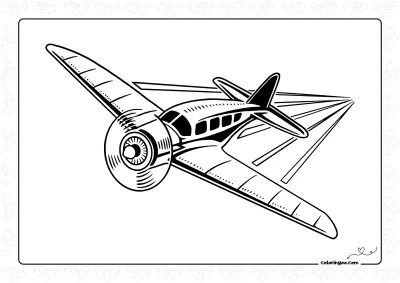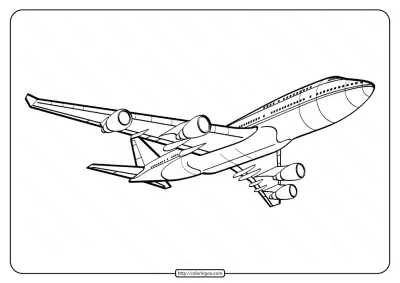
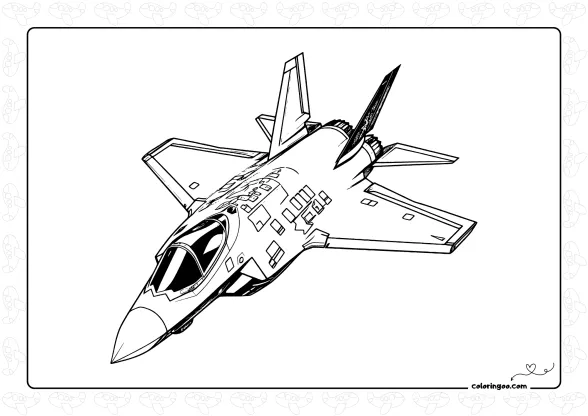
This army plane coloring page features precise line art outlines depicting a sleek stealth fighter. Suitable for all ages, kids and adults can practice fine motor skills shading complex fuselage panels. Print this aircraft illustration cleanly on standard A4 or US Letter paper using high-resolution PDF or PNG formats.
Army Plane Coloring Page
A modern stealth fighter jet cuts through the sky in a clean perspective view, showing off sharp aerodynamic wings, an angled cockpit canopy, and detailed fuselage access panels. Clean black line art contrasts bold outer contours with tight technical paneling along the plane's spine, presenting an exciting challenge for aviation enthusiasts.
Shading the multifaceted fuselage and engine exhaust nozzle teaches meticulous hand-eye coordination. Older kids and adults will refine their fine motor control navigating tiny rectangular vents, while younger artists can freely coat the broad delta wings in camouflage patterns. The intricate geometric segmentation demands steady visual focus and patience.
Crafted for all ages, including kids and adults, this printable aircraft sheet works smoothly with colored pencils, fine-tip markers, or graphite. Download the crisp file ready for single-sided printing on standard US Letter or A4 paper.
For balanced visual harmony and fine motor control, begin by laying down gentle base tones before layering deeper shades along the contour lines of Army Plane Coloring Page.
-
Gunship Slate Gray
#4A525A: Main wings and outer fuselage body -
Air Superiority Gray
#8B9DAF: Upper spine and wing highlights -
Stealth Charcoal
#1E272C: Cockpit frame and engine exhaust -
Tactical Olive Green
#6C7D47: Camouflage accent sections -
Canopy Amber Tint
#E3A857: Cockpit glass reflection
Click the Print & Download button. The PDF opens in a new window. Print by clicking the printer icon in the top right.
Yes! You can download and print it for free for personal and classroom use.
Yes, teachers and parents can print copies for students and kids at home.
A4 and Letter both work well. Use thicker paper for markers.