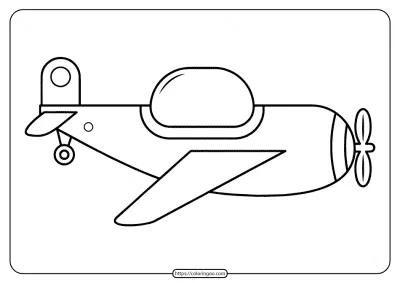
This printable helicopter coloring page features bold outline contours and distinct aircraft segments. Designed for all ages, kids and adults, the clear line art promotes spatial awareness and motor skill practice. Download high-resolution PDF or PNG files formatted for crisp single-sided printing on standard A4 or US Letter sheets.
Printable Helicopter Coloring Page – Book PDF
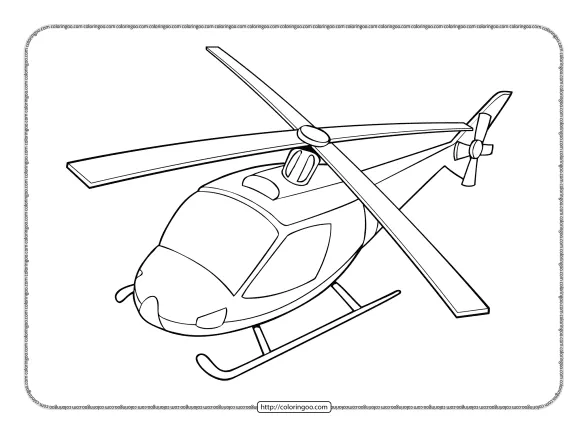
A sleek utility helicopter hovers mid-perspective, showing off broad twin rotor blades, sturdy landing skids, and expansive cockpit glass. Crisp, continuous outer contours sculpt the curved aerodynamic nose, while geometric lines define the tail boom and rear stabilizing rotor. The uncluttered layout provides generous open segments alongside narrow structural accents, giving colorists plenty of room to experiment with rescue themes or transport designs.
Navigating the long, straight rotor spans exercises horizontal stroke control, while filling the bubble cockpit windshield promotes deliberate pencil grip tension. Suitable for all ages, kids and adults alike, this transport scene pairs calming mechanical geometry with fine motor coordination practice. Print cleanly on single-sided US Letter or A4 paper in high-resolution PDF or PNG format to prevent marker bleed-through.
For balanced visual harmony and fine motor control, begin by laying down gentle base tones before layering deeper shades along the contour lines of Printable Helicopter Coloring Page – Book PDF.
-
Emergency Crimson
#E63946: Fuselage body panels and tail -
Windshield Sky Blue
#A8DADC: Cockpit glass and curved canopy -
Turbine Steel Blue
#457B9D: Rotor hub and roof cowl -
Charcoal Gray
#2B2D42: Landing skids and rotor blades
Click the Print & Download button. The PDF opens in a new window. Print by clicking the printer icon in the top right.
Yes! You can download and print it for free for personal and classroom use.
Yes, teachers and parents can print copies for students and kids at home.
A4 and Letter both work well. Use thicker paper for markers.