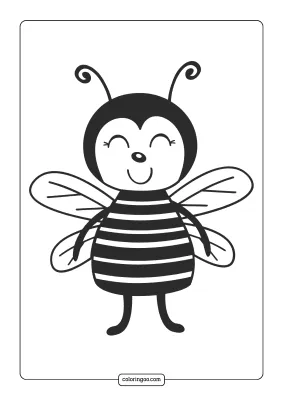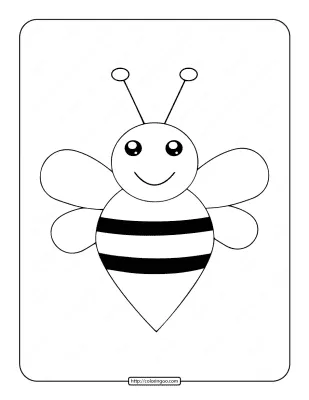
This bee coloring sheet offers symmetrical line art with bold contours, ideal for all ages from preschoolers to adults. Coloring the delicate wing veins and striped abdomen strengthens fine motor skills. Print this free outline on standard A4 or US Letter paper for home, school, or biology art projects.
Bee Coloring Sheet for Kids
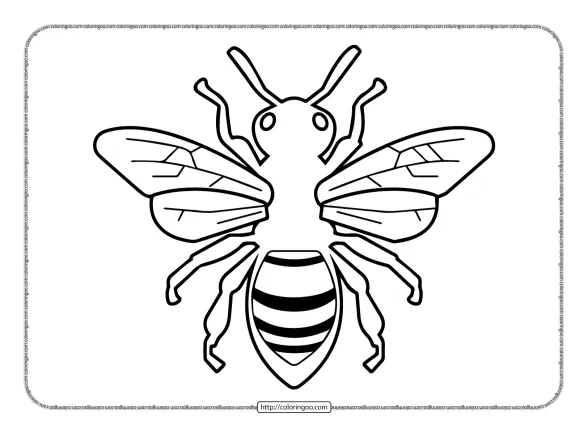
A detailed honeybee rests with outstretched wings and curved antennae across this overhead view. Crisp, bold outlines frame distinct anatomical segments, including the striped abdomen, segmented jointed legs, and veined transparent wings. Young artists get immediate visual cues from the balanced, symmetrical layout. Coloring the parallel bands on the curved abdomen challenges fine motor control, encouraging steady hand-eye coordination as markers or colored pencils sweep across each alternating stripe.
Tracing the geometric wing cells demands patient, disciplined strokes that help older children and adults build mindfulness and focused attention. The accessible composition suits all ages, whether toddlers practice broad filling or adults add soft shaded gradients. Print this clean black-and-white linework onto US Letter or A4 cardstock using single-sided settings for markers. Downloadable in PDF or high-resolution PNG, this nature-inspired page offers an engaging science-themed coloring session.
For balanced visual harmony and fine motor control, begin by laying down gentle base tones before layering deeper shades along the contour lines of Bee Coloring Sheet for Kids.
-
Bright Honey Yellow
#FFD700: Main body segments and alternating abdominal stripes -
Charcoal Black
#1F1F1F: Antennae, jointed legs, and dark body bands -
Translucent Wing Blue
#D6F1FF: Soft shading inside individual wing cells -
Amber Bronze
#D27D2D: Warm gradient accents along thorax margins
Click the Print & Download button. The PDF opens in a new window. Print by clicking the printer icon in the top right.
Yes! You can download and print it for free for personal and classroom use.
Yes, teachers and parents can print copies for students and kids at home.
A4 and Letter both work well. Use thicker paper for markers.