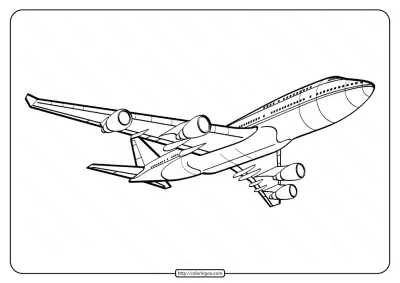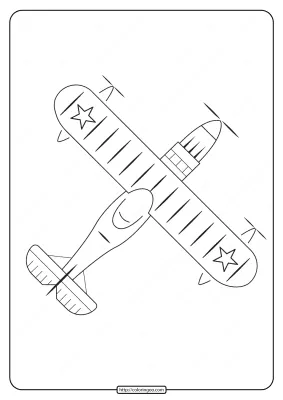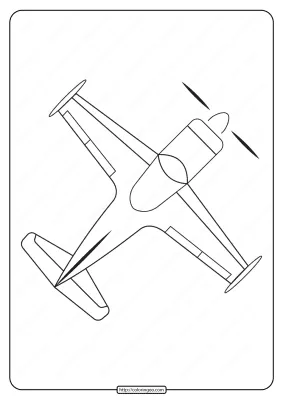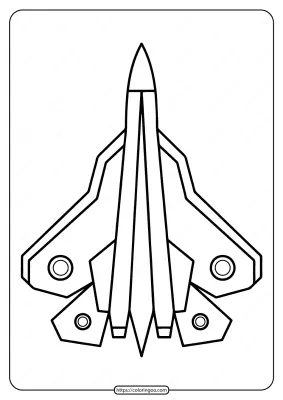
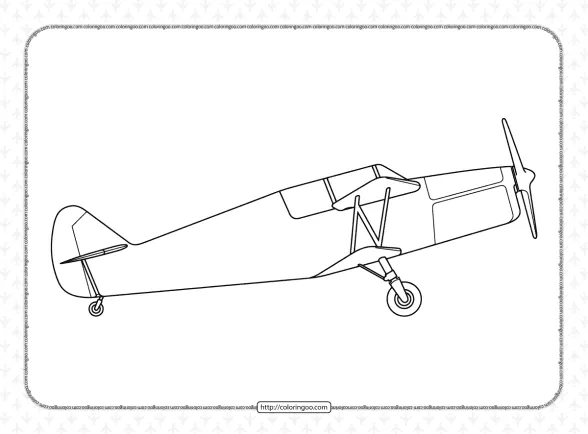
This side-view biplane AC-240 coloring page features clear outline art and balanced contours suitable for all ages, including kids and adults. Coloring the elongated fuselage and intricate wing struts supports fine motor skills and patience. Download this high-resolution printable sheet for crisp single-sided printing on standard A4 or US Letter paper.
Aircraft Biplane AC-240 Coloring Pages
This side-profile illustration captures the vintage engineering of the AC-240 biplane resting on its landing gear. Clean, open outlines define its tandem open-cockpit cutout, sharp propeller blades, and parallel wings braced by angled interplane struts. The elongated fuselage provides generous white space framed by crisp contours, while the detailed landing gear and tail assembly introduce engaging technical elements for developing artists.
Navigating the long, continuous boundary lines of the aircraft body trains sustained hand-eye coordination and spatial awareness. Meanwhile, filling the narrower struts, engine cowling seams, and curved wheel hubs demands deliberate pen control and patience. Suited for all ages, from inquisitive young aviators to adults fond of classic aeronautics, this printable sheet delivers optimal results when output on single-sided A4 or US Letter paper in PDF or PNG format.
For balanced visual harmony and fine motor control, begin by laying down gentle base tones before layering deeper shades along the contour lines of Aircraft Biplane AC-240 Coloring Pages.
-
Classic Aerobatic Red
#D63031: Fuselage body and outer wings -
Aviation Ochre
#FDCB6E: Lower wings and decorative trim -
Graphite Grey
#2D3436: Tires, tail skid, and struts -
Cockpit Blue
#74B9FF: Windshield shading and sky highlights -
Alloy Silver
#B2BEC3: Propeller blade and engine cowling
Click the Print & Download button. The PDF opens in a new window. Print by clicking the printer icon in the top right.
Yes! You can download and print it for free for personal and classroom use.
Yes, teachers and parents can print copies for students and kids at home.
A4 and Letter both work well. Use thicker paper for markers.